Trunks & glovebox
Hands full? Pop the frunk or trunk without reaching into the cabin for the touchscreen. Give the glovebox its own shortcut, too.

Hands full? Pop the frunk or trunk without reaching into the cabin for the touchscreen. Give the glovebox its own shortcut, too.
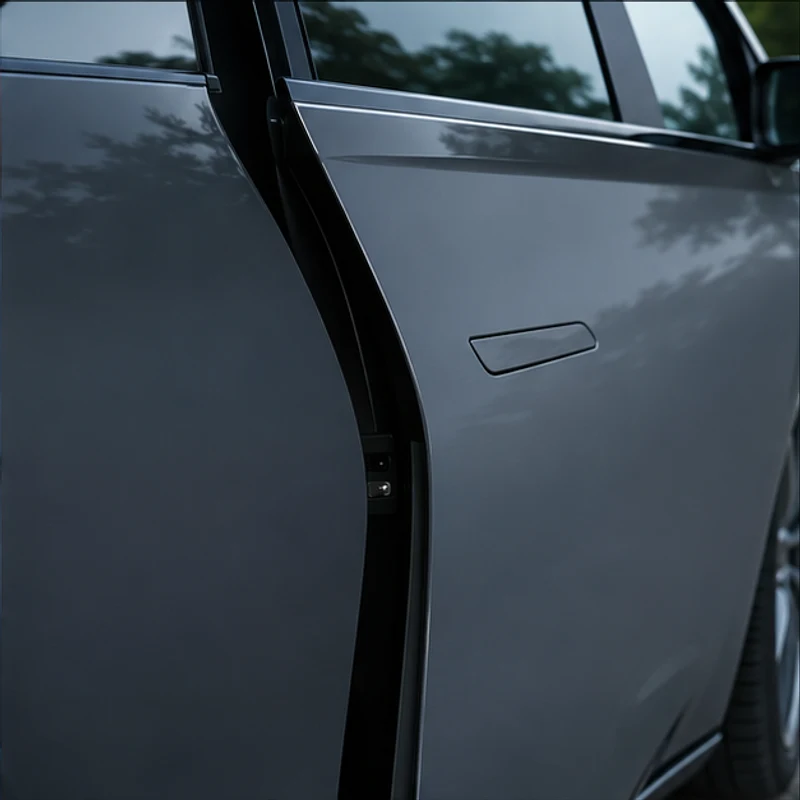
Press a switch to pop a selected door for a rideshare passenger. Skip the flush handle when your hands are full, you’re wearing gloves or have long nails.
Start preheating before departure or charging on cold Vancouver mornings.
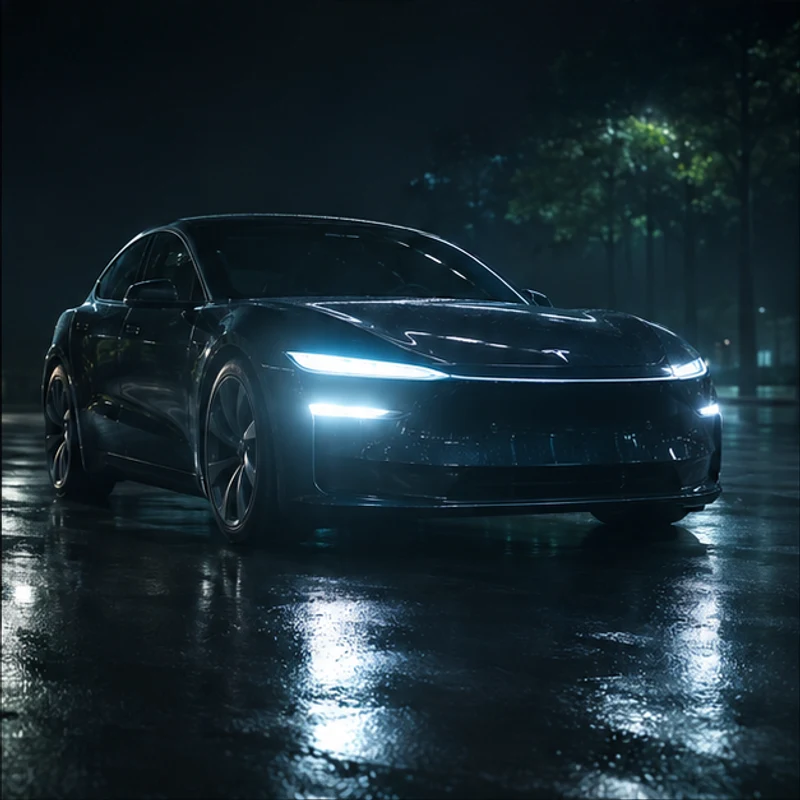
Assign a quick flash or a programmed lighting pattern to a switch. Use only where permitted.
| Function | What it does |
|---|---|
 Doors & storage | |
| Glovebox | Open with a button press. |
| Front trunk | Open the frunk. |
| Rear trunk | Open or close. |
| Front passenger door | Pop the selected door without touching its handle. |
| Driver door | Open the selected door; vehicle hardware may vary. |
| Rear left door | Pop the left rear door. |
| Rear right door | Pop the right rear door. |
| Vehicle locks | Lock or unlock the car. |
| Charge port | Open or close the charge-port door. |
 Battery & driving | |
| Battery preheat | Start battery preheating before departure or charging. |
| Chill / Standard | Switch driving modes on non-Performance models. |
| Standard / Sport | Switch driving modes on Performance models. |
| Park (P) | Select Park, subject to vehicle interlocks. |
| Reverse (R) | Select Reverse, subject to vehicle interlocks. |
| Drive (D) | Select Drive, subject to vehicle interlocks. |
| Neutral (N) | Select Neutral, subject to vehicle interlocks. |
 Lighting & flashes | |
| Interior lights | On or off. |
| Low beams | On or off. |
| High beams | On or off. |
| Turn signals | Left or right signal on or off. |
| Front fog lights | On or off, if fitted. |
| Rear fog lights | On or off, if fitted. |
| Brief high-beam flash | A short flash. |
| Long high-beam flash | A longer flash. |
| Five-second high-beam flash | Flash for five seconds. |
| Double high-beam flash | Two flashes. |
| High-beam strobe | Repeated high-beam flashing. |
| Rear fog-light flash | Flash rear fog lights for ten seconds. |
| Mirrors & wipers | |
| Mirrors | Fold or unfold. |
| Wipers | One wiper pass. |
| Windscreen washer | Activate the washer. |
| Music & audio | |
| Multimedia | Turn multimedia on or off. |
| Previous track | Go to the previous track. |
| Next track | Go to the next track. |
| Volume | Increase or decrease. |
| Horn & attention signals | |
| Very short horn | Very short horn signal. |
| Short horn | Short horn signal. |
| Two short horns | Two short horn signals. |
| Long horn | Long horn signal. |
| Pulsing horn | Repeated, pulsing horn signal. |
| Flash & honk | Combine lighting and horn signals. |
| Seats & family controls | |
| Driver seat position | Move forward or backward. |
| Passenger seat position | Move forward or backward. |
| Driver backrest | Tilt forward or backward. |
| Passenger backrest | Tilt forward or backward. |
| Driver seat massage | Activate only on compatible seat hardware. |
| Rear windows | Lock or unlock rear-window controls. |
| Left child lock | Enable or disable. |
| Right child lock | Enable or disable. |
| Both child locks | Enable or disable both sides. |
| Steering-wheel heating | Turn heating on or off, if fitted. |
Seat functions vary by fitted hardware; drive modes vary by model. Vehicle interlocks and local lighting/horn rules still apply. Configure while parked.
YOUR SETUP
Choose your shortcuts in the app.
Yes, shipping can be arranged by request. Contact us with your location and we’ll confirm the options before you order.
Choose your model and year. We’ll confirm the connection and available functions before installation.
Mobile installation is available by request. Installation and travel fees are quoted by address.
We can’t guarantee how Tesla will handle a warranty claim. If an issue comes up, contact us and we’ll help you work through the next steps.
Independent accessories and installation in Vancouver & the Lower Mainland. Not affiliated with Tesla.